![]()
Upload a clear photo of the kitchen. Straight-on photos work best.
Select the style your customer will see in their preview.
Most Popular
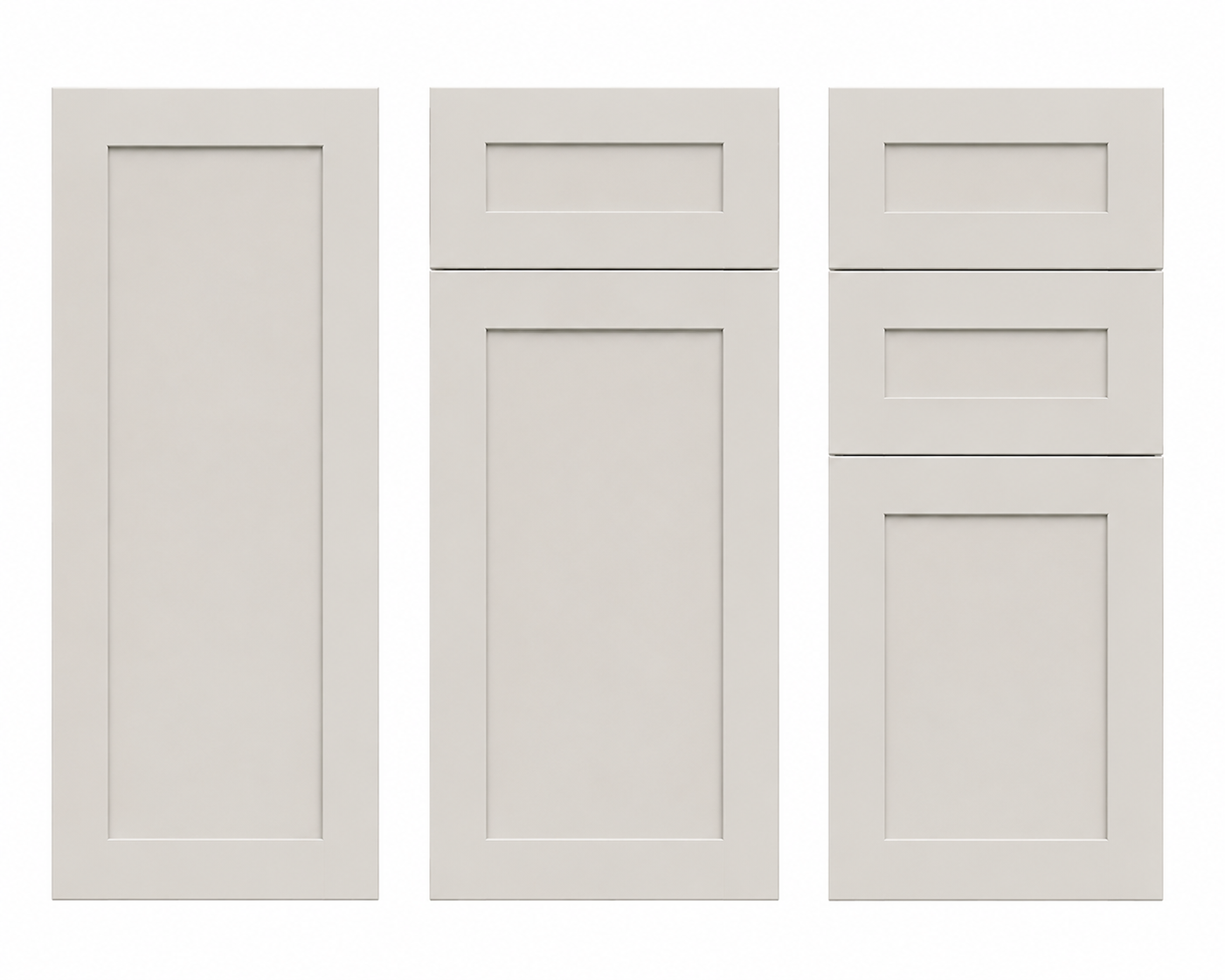
Shaker
Clean recessed panel
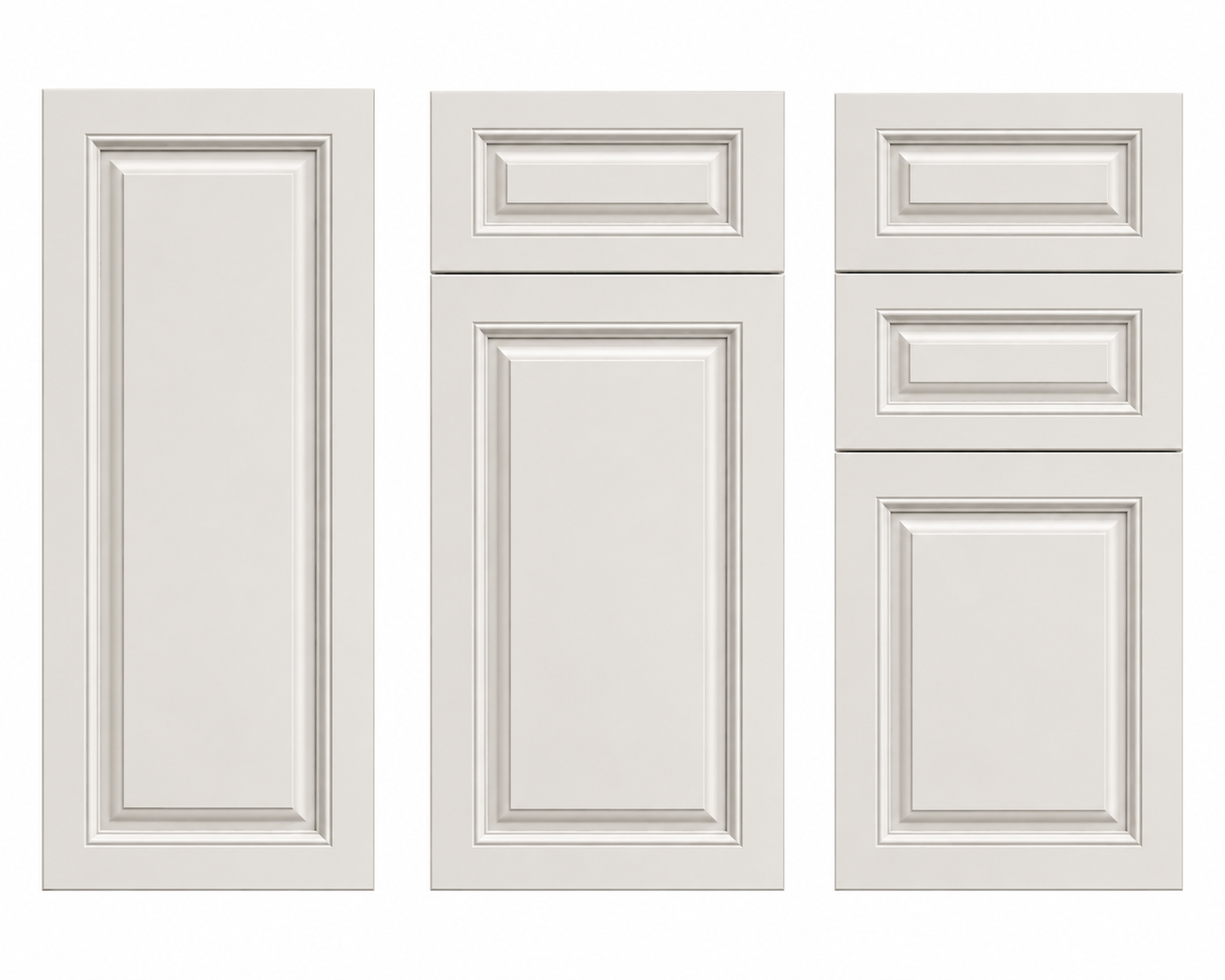
Raised Panel
Traditional detailed profile
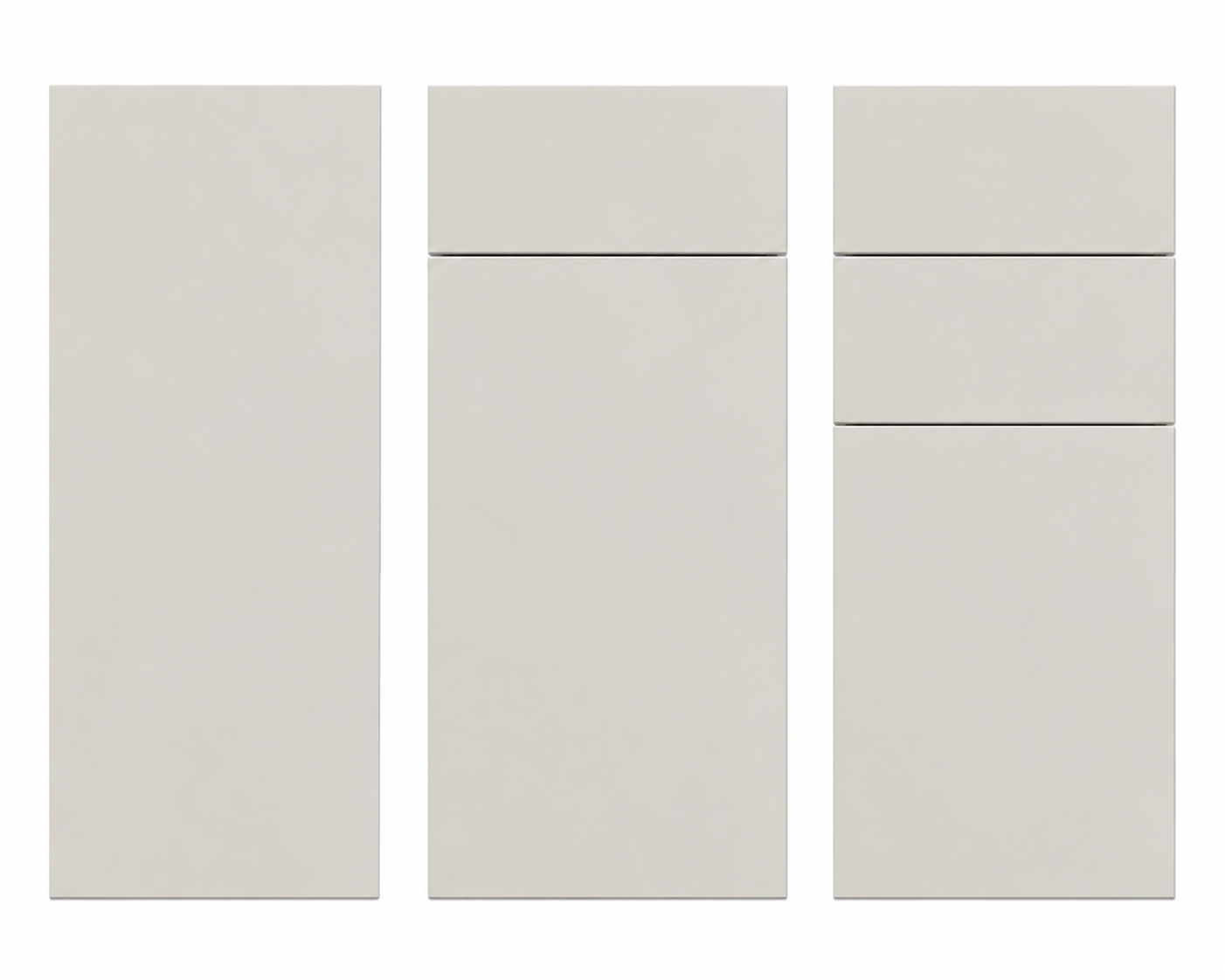
Flat Panel
Modern smooth slab
Choose a countertop style to preview, or leave the current countertops unchanged.
Choose a backsplash style to preview, or leave the current backsplash unchanged.
Choose a floor style to preview, or leave the current floor unchanged.
Creating Your Cabinet Preview
1
Preparing your kitchen photo
2
Applying your selected cabinet style
3
Rendering your selected design
Done
Your Preview Is Ready
Review the before and after below. Your request has also been submitted for follow-up.
Before / After Preview
Drag across the image to compare the original kitchen with the design preview.
![Original Kitchen]()
![Preview Design]()
Before
After
Your Selected Design Options
Compare Designs
Save one preview as Design A, change your selections, generate again, then save as Design B.
![Design A]()
Design A
No design saved yet.
![Design B]()
Design B
No design saved yet.
Ready for the next step?
Connect with your cabinet specialist to review your design.
![Expanded design preview]()
0

Powered by KPM Technology